Top videos

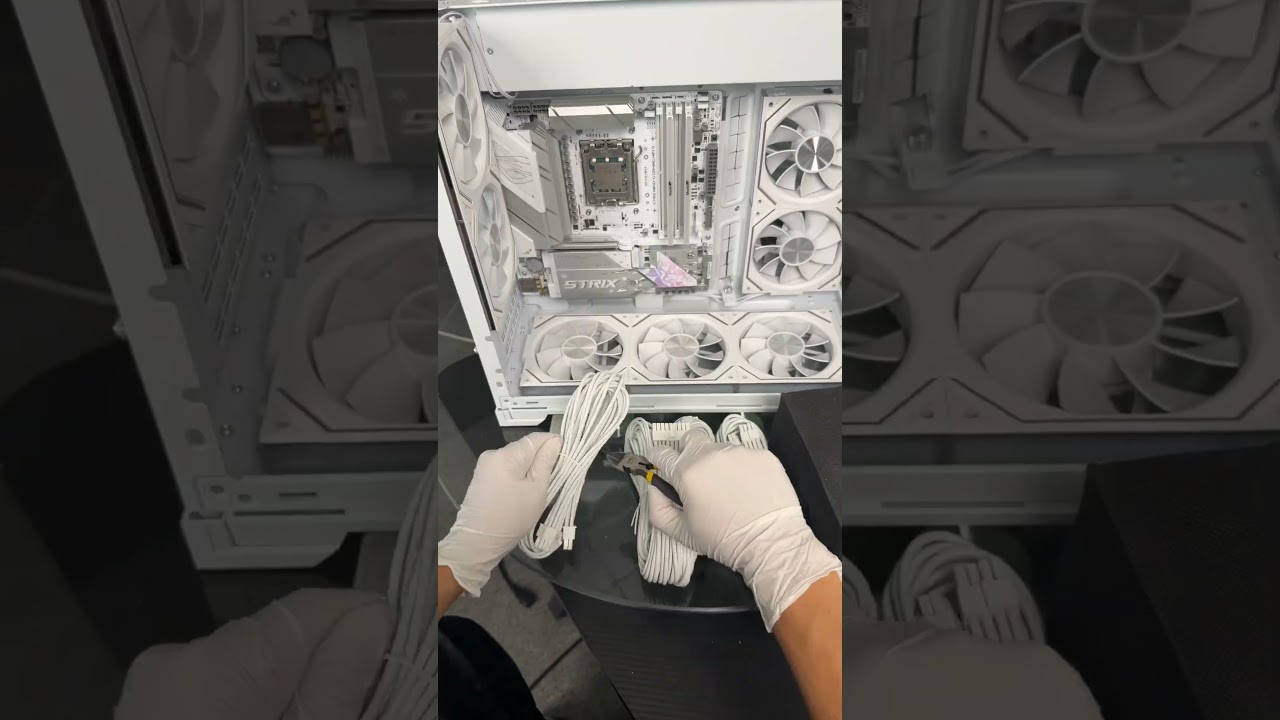
Sleeper builds have been a favorite of mine, You take an old retro case and modify it to fit modern hardware. We are building the best gaming PC possible with the Ryzen 9 9950x3d CPU and the ROG Astral LC GeForce RTX™ 5090 32GB GDDR7 OC Edition. I’ll show you exactly how to build your own Sleeper PC, from picking high-performance parts to modding a retro case and crushing modern games in 4k.
► Specs ◄
ASUS ROG Astral LC GeForce RTX™ 5090 32GB GDDR7 OC Edition GPU
ASUS ROG Strix X870E-E Gaming WIFI Motherboard
ASUS ROG Strix 1200w Platinum Power Supply
AMD Ryzen 9 9950x3d CPU
Corsair Dominator Platinum RAM
Crucial T700 NVME
Thermaltake Toughfan 12 fans
FSP MP7 CPU COOLER

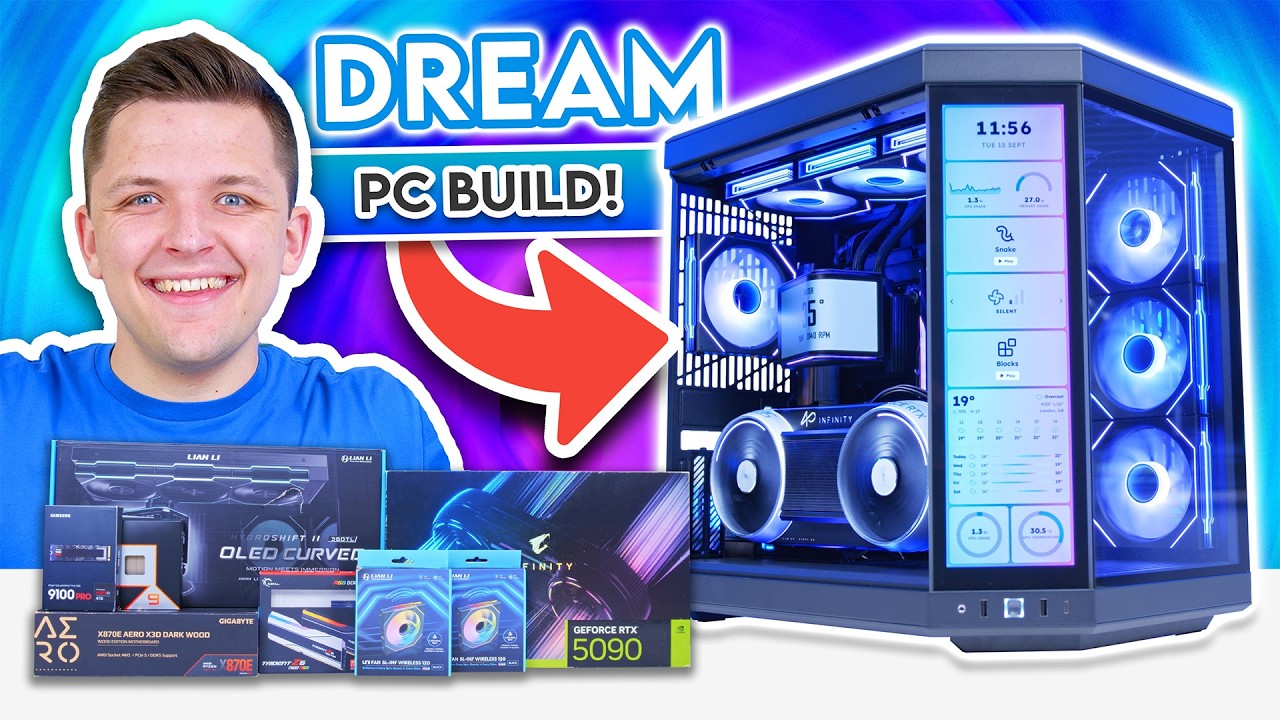
In this video, I build a completely over-the-top gaming PC around Gigabyte's brand-new AORUS RTX 5090 Infinity, a graphics card that brings some much-needed flavour back to GPUs. Paired with an AMD Ryzen 9 9950X3D, a Lian Li HydroShift II OLED Curved cooler and the HYTE Y70 Touch with a vertically mounted GPU, this is a no-expense-spared build that throws budget out of the window. The payoff? 100+ FPS at 4K in every game we tested. Special thanks to Gigabyte for lending us the RTX 5090 Infinity for today's video!
Buy Our Gaming PCs as Prebuilts from GeekaPC! (UK) 👉 https://www.geekapc.com
Read the Build Guide on Our Website 👉 https://geekawhat.com/rtx-5090....-ryzen-9950x3d-gamin
Amazon (US) [PAID LINKS]:
CPU: https://amzlink.to/az0uYLz8jFTaU
CPU Cooler: https://amzlink.to/az0WA4cFBr3DZ
Motherboard: https://amzlink.to/az0Oz7aNKRroi
RAM: https://amzlink.to/az044ttiL7GD7
SSD: https://amzlink.to/az0dxxfJIWcJA
GPU: https://amzlink.to/az0rvSu2Zb7nS
Case: https://amzlink.to/az0D4tQXWL0tW
PSU: https://amzlink.to/az0241sQAyTqg
Amazon (UK) [PAID LINKS]:
CPU: https://amzlink.to/az0rTv4wkVbQj
CPU Cooler: https://amzlink.to/az0a17eBhic90
Motherboard: https://amzlink.to/az08UGP0aRmLh
RAM: https://amzlink.to/az0hk1HJHiVN8
SSD: https://amzlink.to/az0dxxfJIWcJA
GPU: TBC
Case: https://amzlink.to/az01cKHVtEJF8
PSU: https://amzlink.to/az0CWNrOisDTp
Amazon (Global) [PAID LINKS]:
CPU: https://geni.us/InLBUY
CPU Cooler: https://geni.us/LQUWGE
Motherboard: https://geni.us/upsu7
RAM: https://geni.us/GVHgMC
SSD: https://geni.us/NnNZTR
GPU: https://geni.us/ppNL
Case: https://geni.us/qXExY
PSU: https://geni.us/eAD5kNx
Newegg (Global) [PAID LINKS]:
CPU: https://geni.us/jfv9
CPU Cooler: https://geni.us/wcIkaNz
Motherboard: https://geni.us/rmAsjB5
RAM: https://newegg.io/ncac278efd
SSD: https://newegg.io/nc95674cb3
GPU: TBC
Case: https://geni.us/LLw1
PSU: https://geni.us/oHcu1
Full Build Parts List:
CPU: AMD Ryzen 9 9950X3D
CPU Cooler: Lian Li HydroShift II 360TL OLED Curved
Motherboard: Gigabyte X870E AERO X3D DARK WOOD
RAM: G.Skill Trident Z5 NEO RGB DDR5
SSD: Samsung 9100 Pro 4TB
GPU: Gigabyte AORUS RTX 5090 INFINITY
Case: HYTE Y70 Touch Infinite
PSU: Lian Li RS1000G
Check out our Website!
Written Reviews: https://geekawhat.com/category/reviews/
PC Builds: https://geekawhat.com/category/pc-builds/
Please send any business enquiries (including review samples and sponsorship) to my Business Email: james@geekawhat.com
GeekaWhat is a participant in the Amazon EU Associates Programme & Amazon Services LLC Associates, an affiliate advertising programme designed to provide a means for sites to earn advertising fees by advertising and linking to Amazon.co.uk & Amazon.com.
00:00 Intro
00:39 AD
01:17 GPU
03:37 CPU
04:16 CPU Cooler
04:56 Fans
06:19 SSD
06:32 RAM
06:54 Motherboard
08:11 PSU
09:13 Case
10:08 CPU, RAM & SSD Installation
11:14 Motherboard Installation
12:58 PSU Installation
13:30 CPU Cooler Installation
16:24 Fans Installation
16:51 GPU Installation
17:50 Montage
18:19 Benchmarks
18:48 Battlefield 6
19:03 Forza Horizon 6
19:16 Marvel Rivals
19:33 Cyberpunk 2077
19:46 Control Resonant
20:04 Final Thoughts
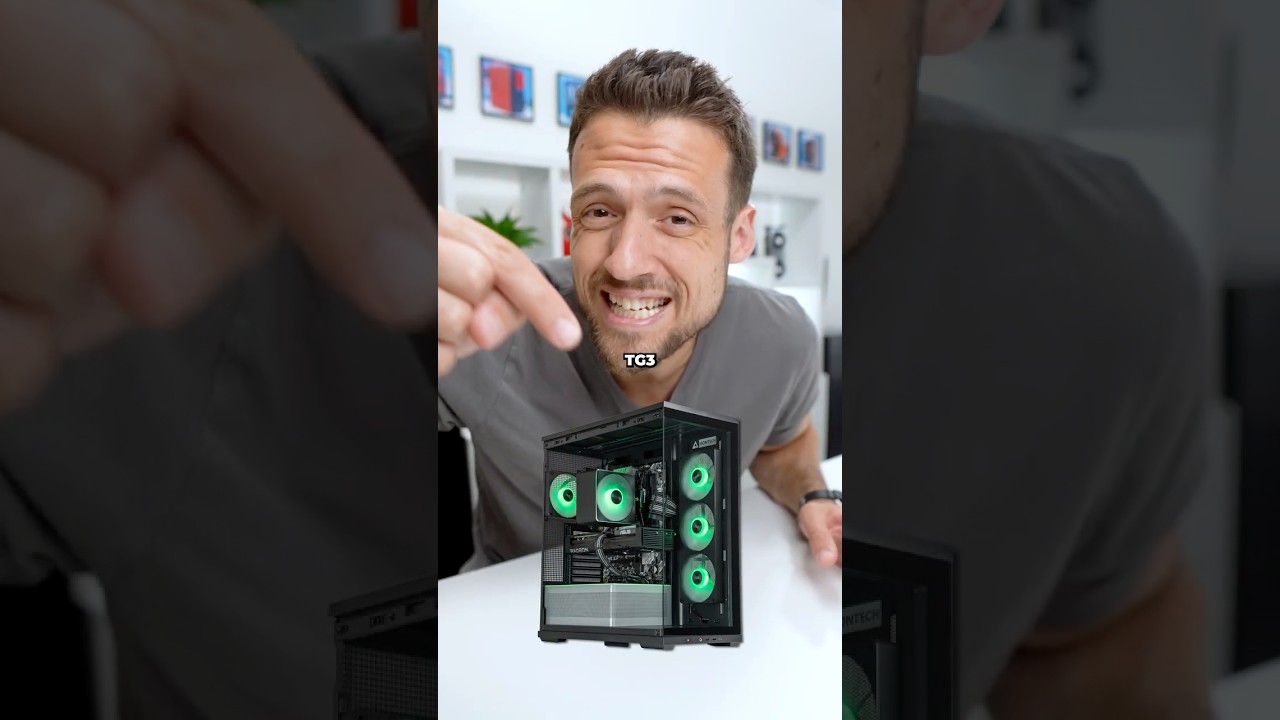

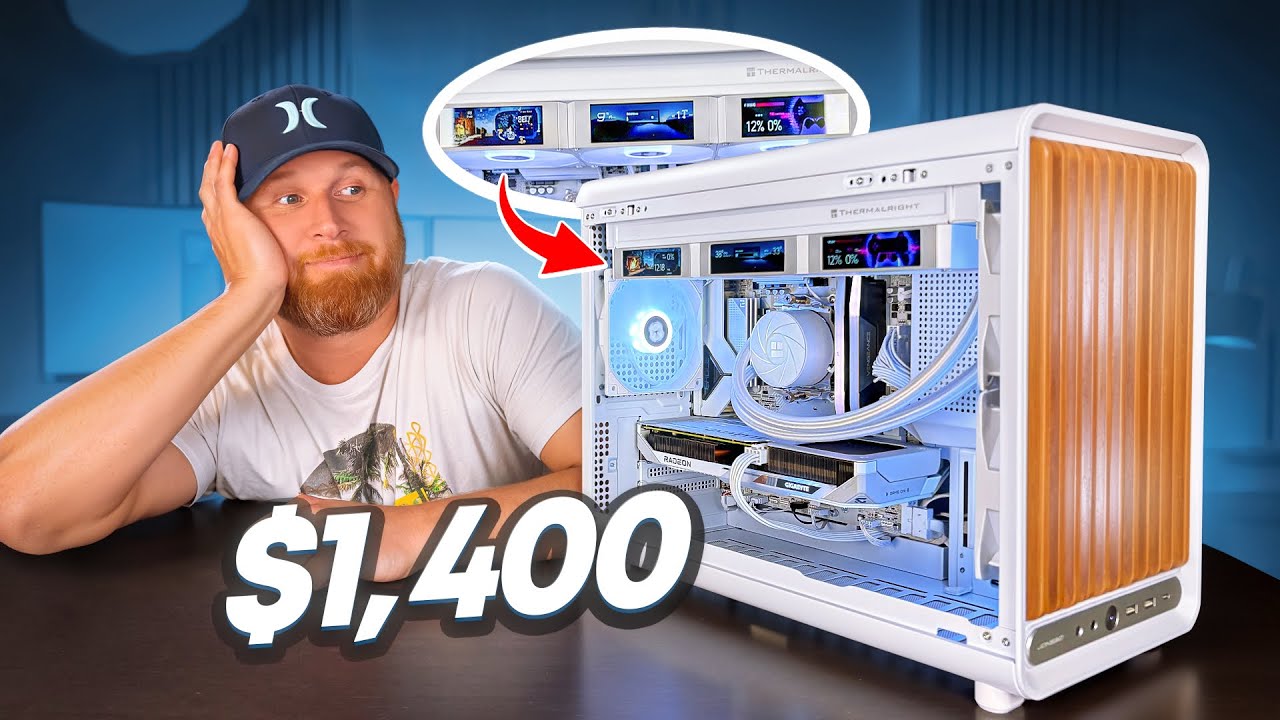
I built a custom $1,400 gaming PC for one of my subscribers, and this build turned out to be an absolute beast.
In this video, we’ll go through the full build process, take a look at the components that were selected, discuss why each part was chosen, and see what kind of gaming performance a $1,400 budget can deliver in 2026.
Thank You Autofull for Letting me Take a Look at the M6 Ultra 2.0 Gaming Chair
Amazon - https://amzn.to/3TErgsf
Official - https://s.rto.ai/t/adf37892
Use my Code for 5% off
PCREHAB5
Jonsbo D33 - https://amzn.to/4wc0NA9
Jonsbo Fans - https://amzn.to/3TH3g88
CPU - https://amzn.to/4fOpSME
GPU - https://amzn.to/4fMYCOz
Ram - https://amzn.to/4wQ7x7Z
Motherboard - https://amzn.to/3S12YZ3
SSD - https://amzn.to/4whPdDt
AIO - https://amzn.to/4z4TnBl
Join the Discord!
https://discord.gg/eTzDDGsQ4
Here is the list of My All-Time Favorite PC Hardware for Build and Flips -
Best Cheap Fans- https://amzn.to/3Ut0BMv
My Favorite Fans- https://amzn.to/3JBwmAv
Amazing AIO For Flips - https://amzn.to/46ZYuY2
Oh you want a screen?- https://amzn.to/4mdbwGd
The King Of Air Cooling - https://amzn.to/4lreyFt
Oh now that’s fancy- https://amzn.to/4mNKlli
My Electric Duster - https://amzn.to/3V1J127
*Disclosure: I only recommend products I would use myself and all opinions expressed here are my own. This post may contain affiliate links that at no additional cost to you, I may earn a small commission.
Please Follow on other platforms if you would like! I’d love to see you there!
Instagram:
https://instagram.com/the_pc_r....ehab?igshid=YmMyMTA2
TikTok:
https://www.tiktok.com/@the_pc_rehab?_t=8aAJApDEL7b&_r=1
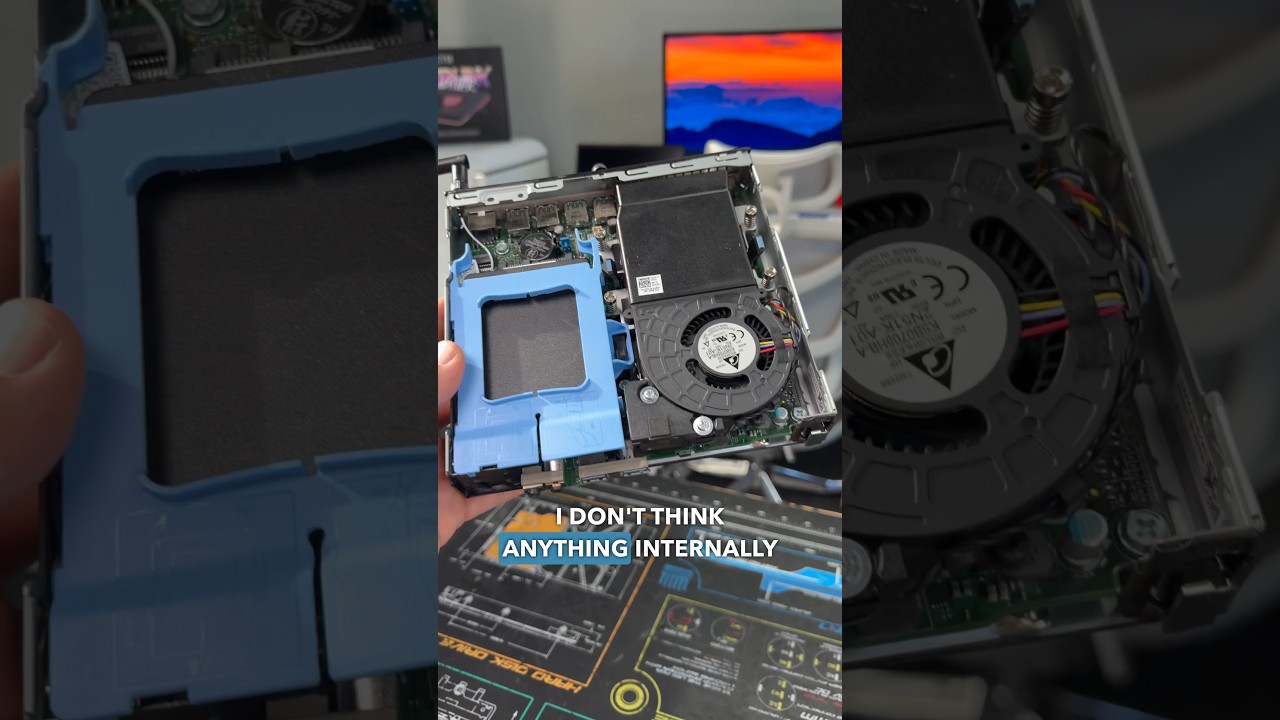


Specs 👇
.
- Case: Antec CX500m argb
- Cooler : Stock AMD Cooler
- CPU: Amd Ryzen 5 5500
- Motherboard: Biostar B550
- GPU: GIGABYTE RX 6600
- RAM: Netac DDR4 2x16 GB
- FANS: PC case fans
- PSU: Antec HCG 650w
- SSD M.2: XPG 1TB
.
#gamingpc #budgetpc #pcbuild

🔥 Use my affiliate link below for buying on Amazon:
https://amzn.to/3YQtvrs
https://amzn.to/3YQtvrs
God of War 3 Remastered is the next game to receive a hybrid PC port from fans, this recompilation features a nice and easy setup and solid performance. This step by step video will cover how to play this new God of War 3 PC port
🔔 Subscribe for More: https://www.youtube.com/@Igor.....L/?sub_confirmation=
💲 Support the channel by Donating: https://ko-fi.com/igorl

🔒 Protect your data online with NordVPN:
https://go.nordvpn.net/aff_c?offer_id=15&aff_id=142932&url_id=902
You can purchase NordVPN using this link for a secure and private browsing experience.
From ancient counting tools to today’s quantum processors, the story of computers is one of imagination, innovation, and world-changing power.
In this documentary, we uncover the evolution of computing—from the earliest analog machines to the digital age that transformed every aspect of modern life. Meet the pioneers like Charles Babbage, Alan Turing, and Ada Lovelace, and follow the path through IBM, Apple, Microsoft, and the rise of AI.
🔔 Subscribe for more powerful stories behind tech innovations that shaped our world.
You may also like these videos:
👉 https://youtu.be/oITB2gHkDMk
👉 https://youtu.be/zlRHgnaWDb8
👉 https://youtu.be/1yfLieTWTFE
👉 https://youtu.be/QjsPDi21AIo
👉 https://youtu.be/GXo1GDvBzVE
👉 https://youtu.be/vXjh17Q53Oc
👉 https://youtu.be/rJw-KvbhXNU
👉 https://youtu.be/4WS0OZvK-Ko
👉 https://youtu.be/1j7tpdYmqJ8
Or check out the full playlist below:
👉 https://www.youtube.com/playli....st?list=PL7_bpEgyFhY
#HistoryOfComputers #ComputerEvolution #TechDocumentary #DigitalRevolution #AIHistory #CharlesBabbage #AlanTuring #ComputerInvention #TechTimeline
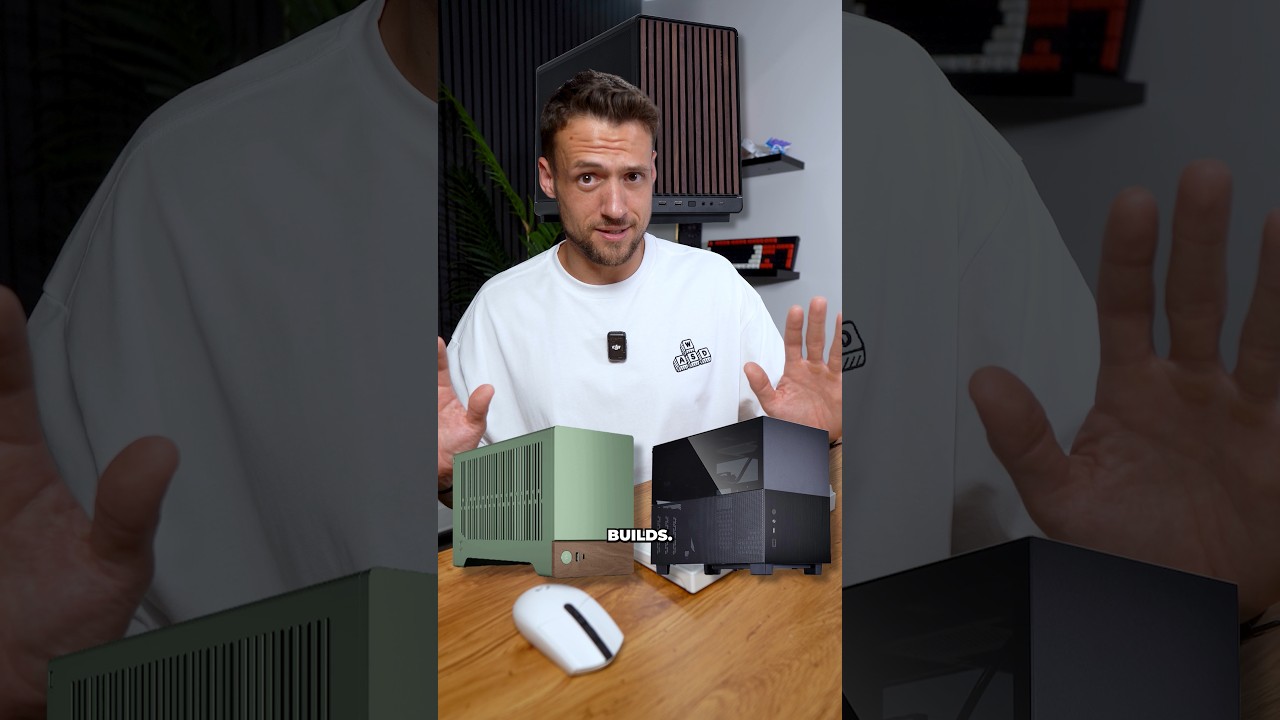

This is what a Maxed out gaming PC looks like in the MSI MEG MAESTRO 900R PC Case.
🗝️VIP-URCDkey Windows 10 LTSC 2021 iot $18: https://www.vip-urcdkey.com/vu/TS10iot
🗝️VIP-URCDkey Windows 11 Pro Oem Key $25 : https://www.vip-urcdkey.com/vu/TS11
🗝️VIP-URCDkey Windows11 Home Oem Key $21 : https://www.vip-urcdkey.com/vu/TSH1
🗝️VIP-URCDkey Office 2024 Pro Plus Key $20: https://www.vip-urcdkey.com/vu/TS2024
Back to School Sale: 28% OFF with Code TS25, August Only
Join my community for more giveaways : https://www.reddit.com/r/TechsourceYT/s/hS4sl4EKBX
➡️Parts List⬅️
Ryzen 9 9950X3D: https://geni.us/EZIMrW
MSI Meg Maestro 900R: https://geni.us/z6LVk
MSI RTX 5090 Gaming Trio: https://geni.us/yFL7JA
Kingston 96GB 8800 M/T: https://geni.us/eLqBB9100
Samsung 9100 Pro 8TB x2: https://geni.us/899dG
MSI MEG E15 Coreliquid AIO: https://geni.us/mum1
MSI MEG X870E Ace Max: https://geni.us/hyUWV9
MSI MEG 1600i PCIE PSU: https://geni.us/bj4OmRe
📷Instagram: https://www.instagram.com/ed.techsource/
🔥TS Mousepads: https://techsourceshop.com
👽Join our Discord here: https://discord.gg/techsource
🔥Items used in video🔥
Fanttik V11 Apex 4-in-1 Handheld Vacuum: https://geni.us/AcBBB
83 Piece Screwdriver Kit: https://www.amazon.com/dp/B0GFTDT5X4
Precision Bit Kit: https://www.amazon.com/dp/B0DD9VH4BR
Electric Screwdriver: https://www.amazon.com/dp/B0DN3SH96N
Hydra 24pin Cable: https://www.amazon.com/dp/B0FCF5N7S2
Hydra 16pin Cable: https://www.amazon.com/dp/B0FCF27HLP


@makeawish

Get Opera here: https://opr.as/03-Opera-browser-benmakeseverything
I built the handheld computer I've always wanted. It can do everything a desktop PC can, but in a tiny package. This system is built around a LattePanda Mu SBC, and features a full QWERTY keyboard, joystick mouse, scroll wheel and trigger buttons. It's got a gorgeous 7" screen and custom USBC battery system, along with some other cool features.
PCB Design Video: https://www.youtube.com/watch?v=2VDRO9jjZzo
#cyberdeck #LattePanda
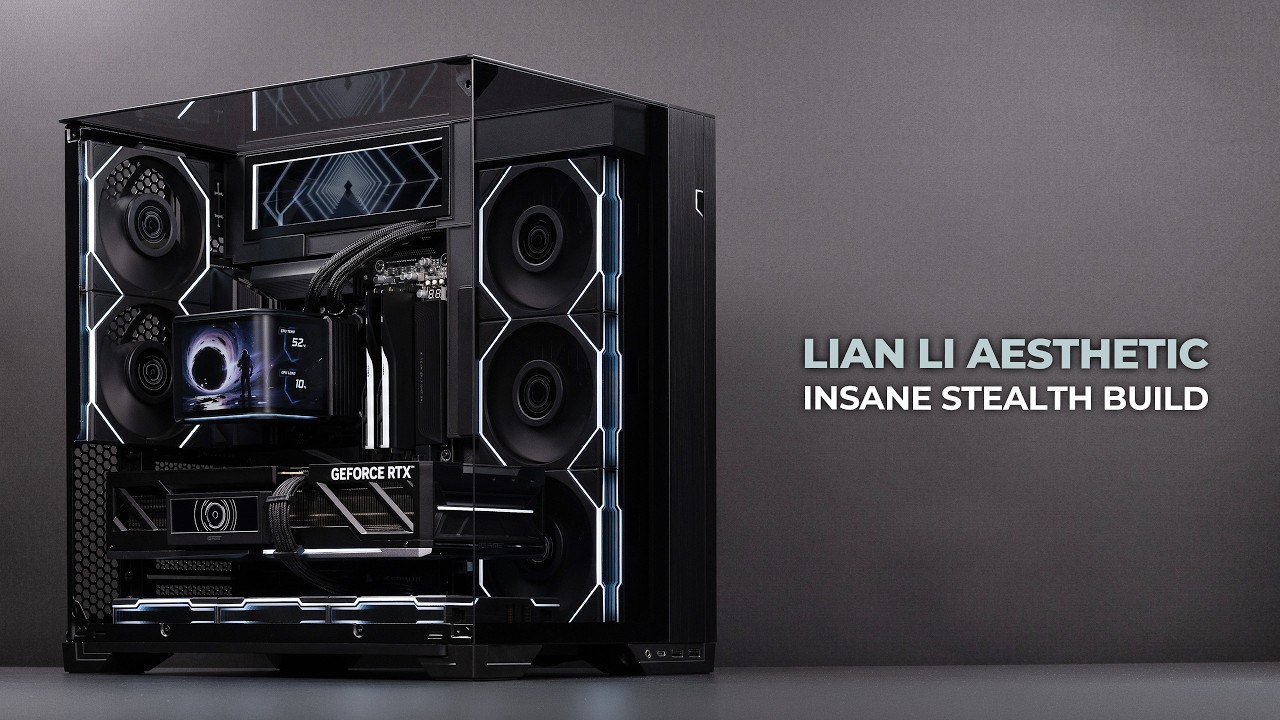
I built this gaming PC with nearly everything hidden, including the cables and even the small gaps between components.
The only visible cable is the GPU power cable.
For this build, I used the LIAN LI O11 Vision Compact with the Stealth Kit designed for the 8.8-inch Universal Screen.
The system also features a total of eight LCD screens built into the GPU, AIO, and other components.
This setup requires four internal USB 2.0 headers.
With the new LIAN LI EDGE Gold V2 1000W, I was able to handle all four USB connections, as well as the PWM hookups for the UNI FAN TL fans.
The PSU includes the EDGE HUB V2, which is also sold separately.
In L-Connect 3, you can monitor USB bandwidth usage across the entire hub or check each USB port individually.
This can be especially useful when displaying large MP4 or GIF files on multiple LCD screens, as you can monitor USB traffic and overload status in real time.
I mounted the side radiator as low as possible on the tray, then adjusted its position after installation to minimize the gap between the radiator and the Stealth Kit.
I forgot to remove the radiator’s side panel during the build, so part of the logo is still visible in the video, but if you’re following this build, I recommend removing it.
These small details make the overall build look much cleaner and more seamless.
I used UNI FAN TL Wireless fans in the video, but since some models are becoming harder to find, I linked the newer Flex versions below instead.
Chapters
00:00 Intro
00:26 Motherboard Assembly
01:17 Case Assembly
05:06 PSU Installation
06:38 Cinematic Showcase
07:32 Fan Configuration and Thermals
PC Parts
CPU: https://amzn.to/3P2lrTp
GPU: https://tinyurl.com/3c5rc7zu (Not on Amazon)
Motherboard: https://amzn.to/4eb3mgi
Memory: https://link.amazon/B0f7N7Snt
Storage: https://amzn.to/4s86nCy
Case: https://amzn.to/3Lc1I1U
CPU Cooler: https://link.amazon/B05N3OqEt
Side Fans: https://link.amazon/B087dLFDi
Bottom Fans: https://amzn.to/4hqOVpY
Rear Fans: https://amzn.to/4gTgBDU
PSU: https://link.amazon/B0hUTPdRD
Display: https://amzn.to/4z8JXES
Stealth Kit: https://tinyurl.com/yu32s6x6 (Not on Amazon)
Additional Parts
Thermal Paste: https://amzn.to/3LgQn0u
Screwdriver: https://amzn.to/3Y55hdf
As an Amazon Associate, I earn from qualifying purchases.
Sponsored by Lian Li
Subscribe for more clean & cinematic PC builds
#lianli #stealthbuild #pcbuild