Latest videos

Quantum computing annual review. Plus, as this is the tenth such video, reflections on developments over the past decade.
All previous updates can be found in this playlist: https://www.youtube.com/playli....st?list=PL2m2YvnrOYx
REFERENCES (a few omitted as the description box is too short)
INTRO
IBM Wafer Foundry: https://newsroom.ibm.com/ibm-a....nd-u-s-department-of
Google cryptography -- listed later
Atom Computing error correction -- listed later
IBM $10bn investment: https://newsroom.ibm.com/2026-....06-02-ibm-commits-mo
QUBIT EVOLUTION
Google Willow: https://blog.google/innovation....-and-ai/technology/r
IBM fault-tolerance: https://www.ibm.com/quantum/blog/large-scale-ftqc
PsiQuantum Omega: https://www.psiquantum.com/news-import/omega
PsiQuantum Australia: https://www.psiquantum.com/new....s-import/psiquantum-
Google neutral atom: https://blog.google/innovation....-and-ai/technology/r
Atom Computing error correction: https://atom-computing.com/ato....m-computing-reveals-
QuEra roadmap: https://www.quera.com/our-quantum-roadmap
IonQ technology: https://www.ionq.com/technology
Quantiniuum fault tolerance: https://www.quantinuum.com/blo....g/quantinuum-overcom
Microsoft Majorana 2: https://news.microsoft.com/sou....rce/features/innovat
D-Wave 1st sale: https://phys.org/news/2011-06-....d-wave-commercial-qu
D-Wave buys Quantum Circuits: https://www.dwavequantum.com/c....ompany/newsroom/pres
D-WAVE gate based roadmap: https://www.dwavequantum.com/c....ompany/newsroom/pres
10 YEARS OF QUANTUM CLOUD
Xanadu IPO: https://www.xanadu.ai/press/xa....nadu-becomes-first-p
Quantinuum IPO: https://thequantuminsider.com/....2026/06/04/quantinuu
Amazon Bracket providers: https://aws.amazon.com/braket/quantum-computers/
Azure quantum providers: https://learn.microsoft.com/en....-us/azure/quantum/qc
Google Cirq hardware: https://quantumai.google/cirq/hardware
IBM Qiskit: https://www.ibm.com/quantum/qiskit
Microsoft development kit: https://quantum.microsoft.com/....en-us/tools/microsof
Google Cirq: https://quantumai.google/cirq
QUANTUM APPLICATIONS
MIT on IBM simulation: https://www.technologyreview.c....om/2017/09/13/149180
Microsoft quantum: https://quantum.microsoft.com/
Microsoft Azure Quantum Elements, 2023: https://news.microsoft.com/sou....rce/features/innovat
IBM realizing Feyman’s vision: https://www.ibm.com/quantum/bl....og/qcsc-reference-ar
IonQ chemistry: https://www.ionq.com/news/ionq....-quantum-computing-a
McKinsey Chemistry: https://www.mckinsey.com/capab....ilities/mckinsey-tec
OECD report: https://www.oecd.org/en/public....ations/building-busi
Improving batteries: https://planqc.eu/solutions/case-studies/basiq
Quantum Australia logistics: https://www.quantum-australia.....com/use-cases/quantu
POST QUANTUM CRYPTOGRAPHY
Google blog: https://research.google/blog/s....afeguarding-cryptocu
Google PQC timeline: https://blog.google/innovation....-and-ai/technology/s
NIST on PQC, 2023: https://www.nist.gov/news-even....ts/news/2022/07/nist
NSCS on PQC, 2026: https://www.ncsc.gov.uk/news/p....reparing-for-post-qu
More videos on computing and related topics can be found at:
http://www.youtube.com/@ExplainingComputers
And more videos on film and other making, plus retro tech, can be found on my Christopher Barnatt channel: http://www.youtube.com/@ChristopherBarnatt
Chapters:
00:00 Titles & Intro
02:14 Qubit Evolution
04:35 Qubit Technologies
09:06 10 Years of Quantum Cloud
11:53 Quantum Applications
15:09 Post-Quantum Cryptography
16:39 Quantum Momentum
#quantum #computing #QaaS #FTQC #PQC #ExplainingComputers


💬 Join my Discord server: https://discord.gg/gohar
📝 I'll edit your college essay: https://nextadmit.com/services/essay/
🎓 Get into your dream school: https://nextadmit.com/roadmap/
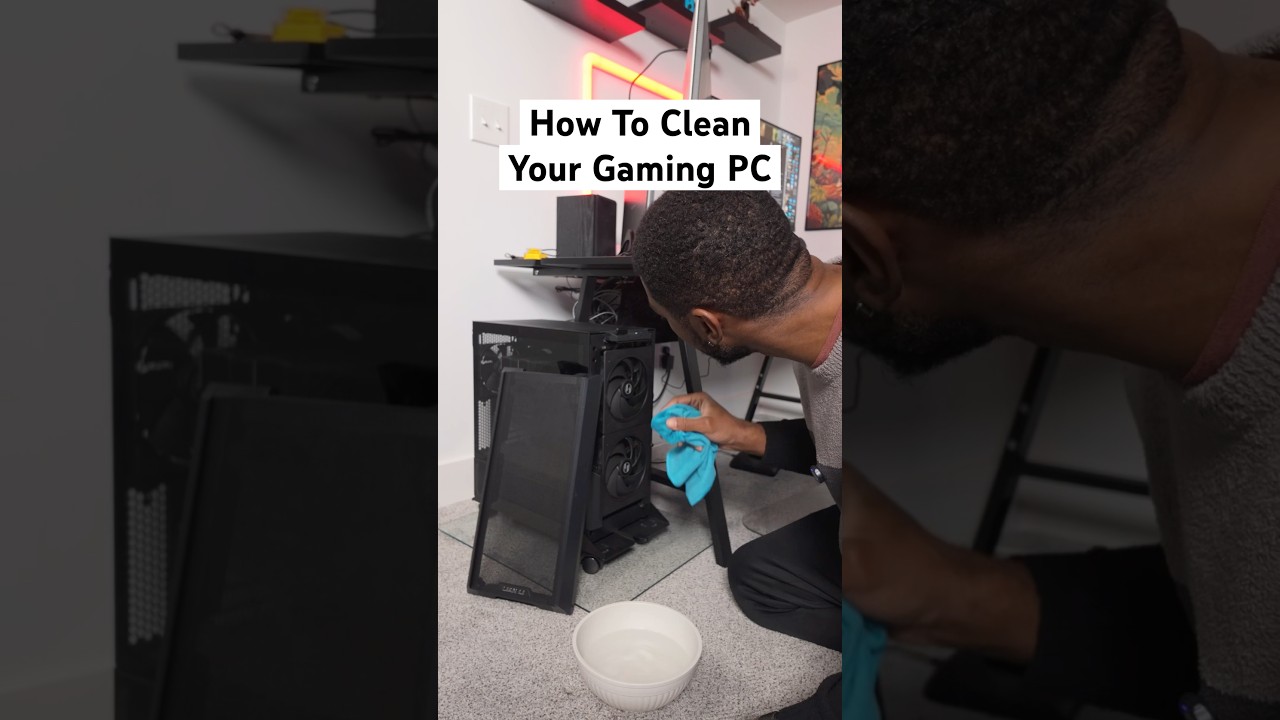
How often do you clean your gaming pc? 🤔
Some people think that once your pc is built, it’ll just run forever without any maintenance. So they tend to neglect cleaning it. If enough dust piles up it could really affect your performance and lifespan of your $1000+ dollar investment!
Be sure to clean your gaming rig every now and then to keep it running and NEVER use water or left the fans spin. Letting the fans spin could generate current back into your pc and cause it to short.
This electric compressed air has been so helpful to not only clean my pc but also keep my desk clean
#gaming #techtips #pcbuild

Provided to YouTube by Epic/GS9
Computers · Rowdy Rebel · Bobby Shmurda
Computers
℗ 2014 Epic Records, a division of Sony Music Entertainment
Released on: 2014-10-02
Associated Performer: Rowdy Rebel feat. Bobby Shmurda
Composer, Lyricist: Chad Marshall
Composer, Lyricist: Christopher Baskin
Producer: Lil' Chriiz
Composer, Lyricist: Ackquille Pollard
Mixing Engineer: Anthony Daniel
Mastering Engineer: Chris Gehringer
Auto-generated by YouTube.
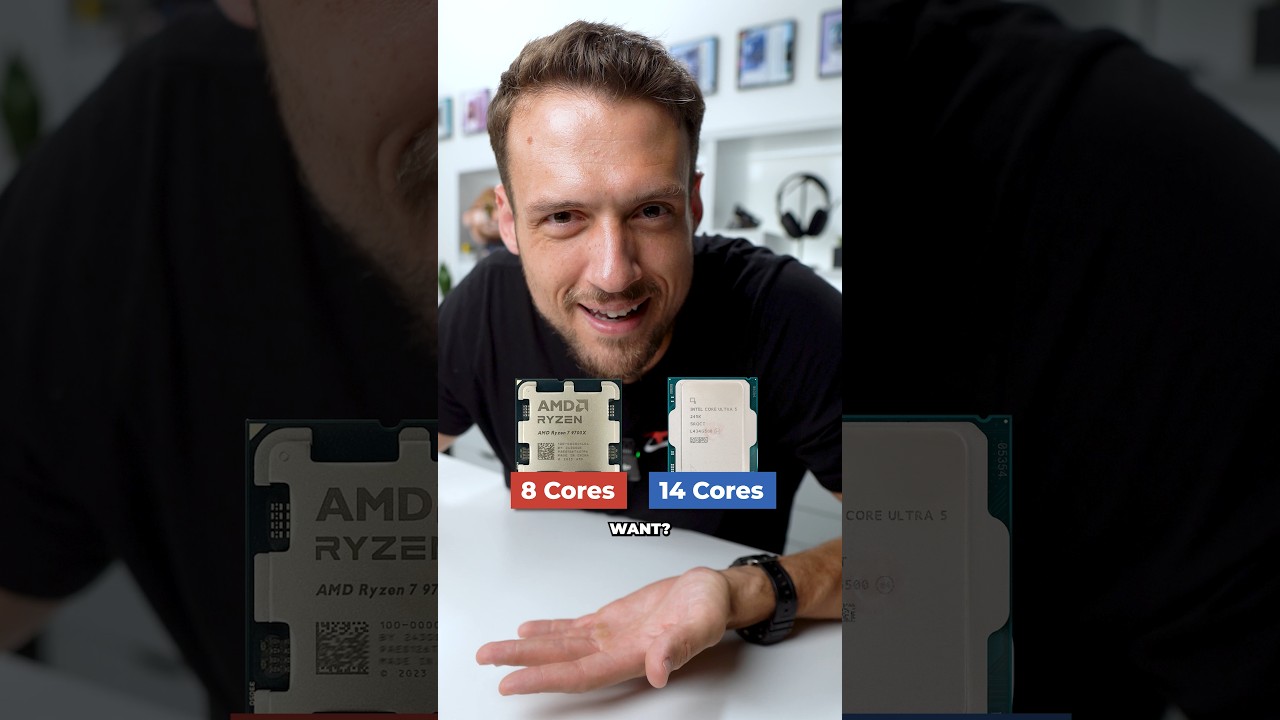

Ever wonder how to get more performance and life out of your PC? Follow this guide for the best results!
○ Get your JayzTwoCents Merch Here! - https://www.jayztwocents.com
○ Join this channel to get access to perks:
https://www.youtube.com/channe....l/UCkWQ0gDrqOCarmUKm
○ Join the official JTC Discord! https://discord.gg/jayztwocents
○○○○○○ Items featured in this video available at Amazon ○○○○○○
► Amazon US - https://amzn.to/43wnUsz
► Amazon UK - http://amzn.to/Zx813L
► Amazon Canada - http://amzn.to/1tl6vc6
••• Follow me on your favorite Social Media! •••
Facebook: http://www.facebook.com/jayztwocents
Twitter: http://www.twitter.com/jayztwocents
Instagram: http://instagram.com/jayztwocents#
SUBSCRIBE! http://bit.ly/sub2JayzTwoCents
---
00:00 Hardware Is Expensive
00:36 XMP and EXPO
03:59 Dust Your PC
04:43 Startup Apps
06:58 Revo Uninstaller
12:20 Temp Testing
Revo Uninstaller
https://www.revouninstaller.com/
HWiNFO64
https://www.hwinfo.com/
AIDA64
https://www.aida64.com/
Heaven
https://benchmark.unigine.com/heaven
3DMark
https://www.3dmark.com/


The hardest computer repairs in my shop are gaming pc's that have a problem I can't reproduce. Whether it's a failing CPU, GPU or power supply, these gaming desktops are complex pieces of tech that have so many reasons to stop working, and it's up to me to figure out what failed. technology is becoming harder to repair and diagnose problems, even in a laptop . But I'm TGTTEL and I'm going to figure it out.

If you've ever wondered why computers behave the way they do, not just how to use them, but how they actually work under the hood, then this is the video for you.
We start with understanding what people say when claiming that "computers speak in 0's and 1's". We'll then learn how computers understand numbers, how we can build circuits to add numbers, and eventually scaling this up to building an entire processor from scratch, leaving no questions unanswered. To end the video, we'll take a look at the CPU of the original iPhone, and write some code in that processor's "language" that we can run on a real processor! This is the video that I wish had existed when I first set out to learn how computers actually work. No prior knowledge necessary.
Website I mention in the video which has more examples: https://github.com/milen-patel/cpu_tutorial
ROM Information from 07:53:27: https://docs.google.com/spread....sheets/d/108MHR5kCd2
A special thanks to Antoine who made a set of Anki flashcards after watching this video. I would be remiss to not include it in the description for the Anki users: https://ankiweb.net/shared/info/1577390148
Chapters:
00:00:00 - Introduction
00:06:24 - How Humans Represent Numbers (Decimal)
00:18:24 - How Computers Represent Numbers (Introduction to Binary)
00:31:38 - Converting from Decimal to Binary (Human-mode to Computer-mode)
00:46:16 - How does addition work in binary?
00:56:45 - Representing Negative Numbers in Binary
01:09:09 - How to Negate a Number in Binary
01:11:35 - How does subtraction work in binary?
01:16:45 - Introduction to Logic Gates
01:32:19 - Constructing a circuit out of logic gates
01:37:31 - Building a selector with logic gates
01:53:10 - Using logic gates for simple addition of binary numbers (Half-Adder)
02:03:41 - Where the half adder falls short
02:07:14 - Constructing a full adder for correct addition of binary numbers
02:25:36 - Chaining Adders together for multi-bit addition
02:43:46 - Building a full 8-bit addition circuit (ALU)
02:56:05 - Enabling subtraction in our circuit
03:19:57 - Introduction to Sequential Logic
03:27:34 - Storing Data with Logic Gates (Latches)
03:52:52 - Introducing the Flip-Flip, a better Latch
04:09:48 - Bridging back to the ALU
04:11:59 - Saving the output of our ALU
04:20:20 - Manipulating the ALU to build a circuit that counts numbers
04:26:19 - Random Access Memory (RAM)
04:55:26 - Building RAM from Logic Gates
05:18:50 - Connecting RAM and the ALU
05:20:56 - Introducing the BUS
05:40:25 - Adding a display to our computer (7 Segment Display)
05:57:12 - Read Only Memory (ROM)
06:07:52 - Making our display stateful
06:28:55 - What happens when we start chaining operations?
06:32:30 - What are Instructions?
06:34:46 - The Instruction Register
06:39:12 - Building the first Instruction for our CPU
06:55:31 - Synchronizing the computer, introduction of the Clock
07:05:00 - Program Counter
07:13:03 - Clock Timing of Our First Instruction
07:19:37 - Designing the Instruction Set Architecture (ISA)
07:29:09 - Branching in Code
07:34:37 - Adding a Flags Register to the ALU
07:48:10 - Introducing Control, the "Brains" of our computer
07:53:27 - Implementing Control as ROM
08:14:15 - In Detail Timing of Each CPU Instruction
09:01:40 - How Condition Instructions are Implemented
09:15:15 - Writing our First Computer Program!
09:29:11 - Executing our First Program
09:44:29 - Counting Fibonacci Sequence on our Computer
10:13:12 - Physically constructing our conceptual computer
10:21:10 - Naming and History of Computer (SAP)
10:27:20 - The original iPhone processor
10:43:12 - ARMv6 Overview
10:57:31 - Hexadecimal Mini-Course
11:04:06 - How does our CPU draw to a screen? (Introduction to MMIO)
11:14:00 - Looking at a real micro-controller
11:17:44 - Programming our computer to turn on a light
11:47:49 - Running our code on the computer
11:49:55 - Where I would continue if we had more time
11:53:26 - Conclusion
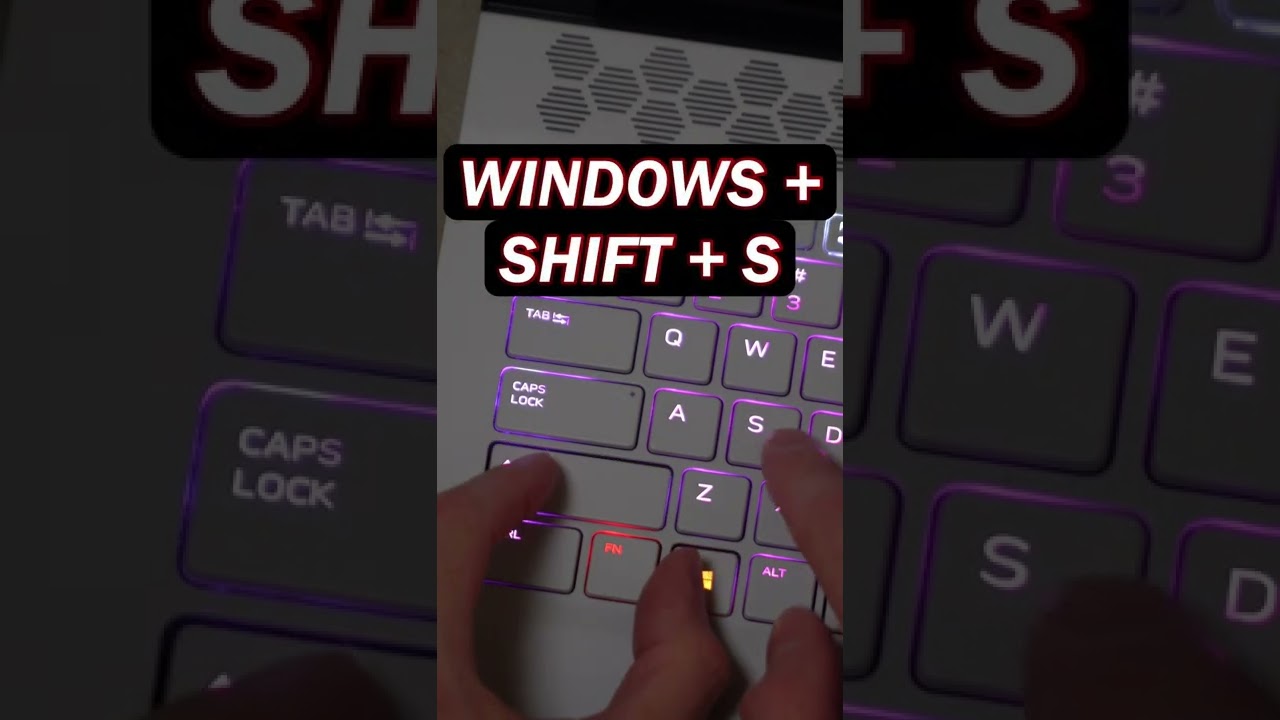
Use the Snipping Tool on Windows 11 and Windows 10 to capture your full screen, a window, or just an area of your PC screen.
📚 RESOURCES
- Shortcut key combination: Windows Logo Key + Shift + S
📺 RELATED VIDEOS
- Playlist with all my videos on Windows: https://youtube.com/playlist?l....ist=PLlKpQrBME6xJJOa
- Playlist with all my quick tips: https://youtube.com/playlist?l....ist=PLlKpQrBME6xL5J5
📩 NEWSLETTER
- Get the latest high-quality tutorial and tips and tricks videos emailed to your inbox each week: https://kevinstratvert.com/newsletter/
🔽 CONNECT WITH ME
- Official web site: http://www.kevinstratvert.com
- LinkedIn: https://www.linkedin.com/in/kevinstratvert/
- Discord: https://bit.ly/KevinStratvertDiscord
- Twitter: https://twitter.com/kevstrat
- Facebook: https://www.facebook.com/Kevin....-Stratvert-101912218
- TikTok: https://www.tiktok.com/@kevinstratvert
- Instagram: https://www.instagram.com/kevinstratvert/
🎒 MY COURSES
- Excel for Beginners in under 2 hours: https://kevinstratvert.thinkific.com/
🙏 REQUEST VIDEOS
https://forms.gle/BDrTNUoxheEoMLGt5
🔔 SUBSCRIBE ON YOUTUBE
https://www.youtube.com/user/k....evlers?sub_confirmat
🙌 SUPPORT THE CHANNEL
- Hit the THANKS button in any video!
- Amazon affiliate link: https://amzn.to/3kCP2yz (Purchasing through this link gives me a small commission to support videos on this channel -- the price to you is the same)
#stratvert

What happens when you turn Chun-Li from Street Fighter into a high-end gaming PC? 🔥
In this build, I'm creating a custom all-white, all-ASUS Street Fighter PC inspired by Chun-Li, built inside the ASUS TUF Gaming GT502 Horizon case. But this isn't just a themed PC build — I also designed and built a custom Street Fighter podium stand to give this machine a display worthy of a fighting game legend!
Powered by the AMD Ryzen 9 9900X and the monster ASUS ROG Astral GeForce RTX 5080, this custom gaming PC combines high-end performance with a unique Chun-Li-inspired design.
From the white hardware and custom aesthetic to the one-of-a-kind podium stand, every detail brings this Street Fighter PC build to life.
► SPECS: ◄
ASUS TUF Gaming GT502 Horizon: https://geni.us/bCGv
ASUS ROG Astral GeForce RTX 5080: https://geni.us/cTwRn
AMD Ryzen 9 9900X: https://geni.us/kwRdCo
ROG Strix X870-A Gaming WIFI MOBO: https://geni.us/wW1AH9
ROG Ryujin III 360 AIO: https://geni.us/Wlcs8R3
Tuf Gaming 1000w PSU: https://geni.us/mi0S
Kingston NV3 NVME: https://geni.us/RPtu
G.Skill Trident Z5 RAM: https://geni.us/QiPV
► SUPPORT US ◄
👉 Patreon - https://www.patreon.com/DesignsByIFR
👉 YouTube - https://www.youtube.com/@DesignsByIFR/join
👉 Buy Me A Coffee (No subscription required!) - https://www.buymeacoffee.com/designsbyifr
► IFR SHOP ◄
https://www.ifr.gg
► SOCIALS: ◄
https://discord.gg/BaTtQXfpjm
https://www.facebook.com/DesignsByIFR
https://www.instagram.com/DesignsByIFR
https://www.twitter.com/DesignsByIFR
https://www.twitch.tv/DesignsByIFR
https://www.tiktok.com/@designsbyifr
► BUSINESS INQUIRIES: ◄
Email: Corey@ifr.gg
Chapters:
0:00 ASUS TUF Gaming GT502 Horizon Case
1:50 ASUS ROG Strix X870-A Motherboard
2:09 AMD Ryzen 9 9900X CPU Install
2:37 Kingston NV3 NVME Install
3:11 G.Skill Trident Z5 RAM Install
3:50 DeepCool FL 12R WH Fans
4:42 ROG Ryujin III 360 AIO Install
6:26 ASUS ROG Astral GeForce RTX 5080 GPU Install
7:14 ASUS Tuf Gaming 1000w PSU Install
8:00 Custom PC Build Modding
11:11 ASUS ROG PC Build Reveal
_________________________
If you use our links or codes above, thank you for supporting our channel. Some links and codes provided are affiliate links.


Under $400 for a MacBook? Sheeshhh 😮💨
Shop all MacBooks at https://www.plug.tech/collections/macbooks


Many apps automatically start up when you turn on your PC, which slows it down. This simple trick shows you how to stop those apps from starting.