Top videos

Provided to YouTube by Epic/GS9
Computers · Rowdy Rebel · Bobby Shmurda
Computers
℗ 2014 Epic Records, a division of Sony Music Entertainment
Released on: 2014-10-02
Associated Performer: Rowdy Rebel feat. Bobby Shmurda
Composer, Lyricist: Chad Marshall
Composer, Lyricist: Christopher Baskin
Producer: Lil' Chriiz
Composer, Lyricist: Ackquille Pollard
Mixing Engineer: Anthony Daniel
Mastering Engineer: Chris Gehringer
Auto-generated by YouTube.

If you've ever wondered why computers behave the way they do, not just how to use them, but how they actually work under the hood, then this is the video for you.
We start with understanding what people say when claiming that "computers speak in 0's and 1's". We'll then learn how computers understand numbers, how we can build circuits to add numbers, and eventually scaling this up to building an entire processor from scratch, leaving no questions unanswered. To end the video, we'll take a look at the CPU of the original iPhone, and write some code in that processor's "language" that we can run on a real processor! This is the video that I wish had existed when I first set out to learn how computers actually work. No prior knowledge necessary.
Website I mention in the video which has more examples: https://github.com/milen-patel/cpu_tutorial
ROM Information from 07:53:27: https://docs.google.com/spread....sheets/d/108MHR5kCd2
A special thanks to Antoine who made a set of Anki flashcards after watching this video. I would be remiss to not include it in the description for the Anki users: https://ankiweb.net/shared/info/1577390148
Chapters:
00:00:00 - Introduction
00:06:24 - How Humans Represent Numbers (Decimal)
00:18:24 - How Computers Represent Numbers (Introduction to Binary)
00:31:38 - Converting from Decimal to Binary (Human-mode to Computer-mode)
00:46:16 - How does addition work in binary?
00:56:45 - Representing Negative Numbers in Binary
01:09:09 - How to Negate a Number in Binary
01:11:35 - How does subtraction work in binary?
01:16:45 - Introduction to Logic Gates
01:32:19 - Constructing a circuit out of logic gates
01:37:31 - Building a selector with logic gates
01:53:10 - Using logic gates for simple addition of binary numbers (Half-Adder)
02:03:41 - Where the half adder falls short
02:07:14 - Constructing a full adder for correct addition of binary numbers
02:25:36 - Chaining Adders together for multi-bit addition
02:43:46 - Building a full 8-bit addition circuit (ALU)
02:56:05 - Enabling subtraction in our circuit
03:19:57 - Introduction to Sequential Logic
03:27:34 - Storing Data with Logic Gates (Latches)
03:52:52 - Introducing the Flip-Flip, a better Latch
04:09:48 - Bridging back to the ALU
04:11:59 - Saving the output of our ALU
04:20:20 - Manipulating the ALU to build a circuit that counts numbers
04:26:19 - Random Access Memory (RAM)
04:55:26 - Building RAM from Logic Gates
05:18:50 - Connecting RAM and the ALU
05:20:56 - Introducing the BUS
05:40:25 - Adding a display to our computer (7 Segment Display)
05:57:12 - Read Only Memory (ROM)
06:07:52 - Making our display stateful
06:28:55 - What happens when we start chaining operations?
06:32:30 - What are Instructions?
06:34:46 - The Instruction Register
06:39:12 - Building the first Instruction for our CPU
06:55:31 - Synchronizing the computer, introduction of the Clock
07:05:00 - Program Counter
07:13:03 - Clock Timing of Our First Instruction
07:19:37 - Designing the Instruction Set Architecture (ISA)
07:29:09 - Branching in Code
07:34:37 - Adding a Flags Register to the ALU
07:48:10 - Introducing Control, the "Brains" of our computer
07:53:27 - Implementing Control as ROM
08:14:15 - In Detail Timing of Each CPU Instruction
09:01:40 - How Condition Instructions are Implemented
09:15:15 - Writing our First Computer Program!
09:29:11 - Executing our First Program
09:44:29 - Counting Fibonacci Sequence on our Computer
10:13:12 - Physically constructing our conceptual computer
10:21:10 - Naming and History of Computer (SAP)
10:27:20 - The original iPhone processor
10:43:12 - ARMv6 Overview
10:57:31 - Hexadecimal Mini-Course
11:04:06 - How does our CPU draw to a screen? (Introduction to MMIO)
11:14:00 - Looking at a real micro-controller
11:17:44 - Programming our computer to turn on a light
11:47:49 - Running our code on the computer
11:49:55 - Where I would continue if we had more time
11:53:26 - Conclusion
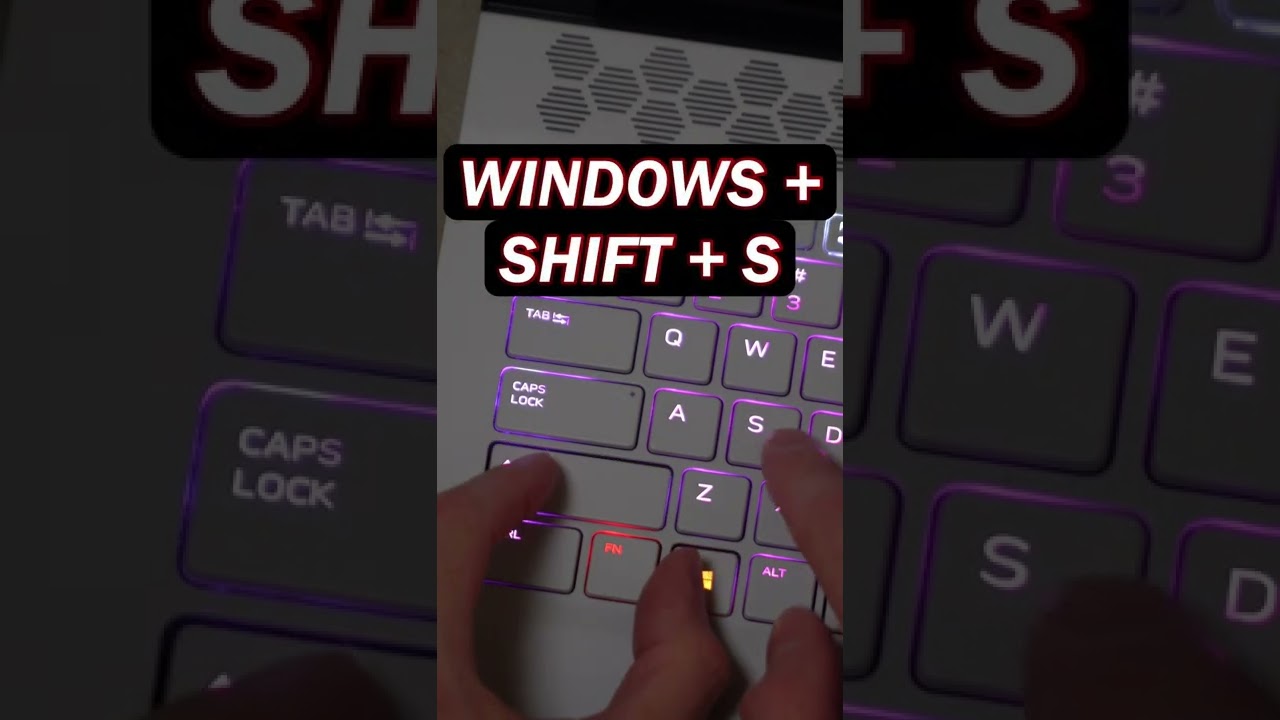
Use the Snipping Tool on Windows 11 and Windows 10 to capture your full screen, a window, or just an area of your PC screen.
📚 RESOURCES
- Shortcut key combination: Windows Logo Key + Shift + S
📺 RELATED VIDEOS
- Playlist with all my videos on Windows: https://youtube.com/playlist?l....ist=PLlKpQrBME6xJJOa
- Playlist with all my quick tips: https://youtube.com/playlist?l....ist=PLlKpQrBME6xL5J5
📩 NEWSLETTER
- Get the latest high-quality tutorial and tips and tricks videos emailed to your inbox each week: https://kevinstratvert.com/newsletter/
🔽 CONNECT WITH ME
- Official web site: http://www.kevinstratvert.com
- LinkedIn: https://www.linkedin.com/in/kevinstratvert/
- Discord: https://bit.ly/KevinStratvertDiscord
- Twitter: https://twitter.com/kevstrat
- Facebook: https://www.facebook.com/Kevin....-Stratvert-101912218
- TikTok: https://www.tiktok.com/@kevinstratvert
- Instagram: https://www.instagram.com/kevinstratvert/
🎒 MY COURSES
- Excel for Beginners in under 2 hours: https://kevinstratvert.thinkific.com/
🙏 REQUEST VIDEOS
https://forms.gle/BDrTNUoxheEoMLGt5
🔔 SUBSCRIBE ON YOUTUBE
https://www.youtube.com/user/k....evlers?sub_confirmat
🙌 SUPPORT THE CHANNEL
- Hit the THANKS button in any video!
- Amazon affiliate link: https://amzn.to/3kCP2yz (Purchasing through this link gives me a small commission to support videos on this channel -- the price to you is the same)
#stratvert

What happens when you turn Chun-Li from Street Fighter into a high-end gaming PC? 🔥
In this build, I'm creating a custom all-white, all-ASUS Street Fighter PC inspired by Chun-Li, built inside the ASUS TUF Gaming GT502 Horizon case. But this isn't just a themed PC build — I also designed and built a custom Street Fighter podium stand to give this machine a display worthy of a fighting game legend!
Powered by the AMD Ryzen 9 9900X and the monster ASUS ROG Astral GeForce RTX 5080, this custom gaming PC combines high-end performance with a unique Chun-Li-inspired design.
From the white hardware and custom aesthetic to the one-of-a-kind podium stand, every detail brings this Street Fighter PC build to life.
► SPECS: ◄
ASUS TUF Gaming GT502 Horizon: https://geni.us/bCGv
ASUS ROG Astral GeForce RTX 5080: https://geni.us/cTwRn
AMD Ryzen 9 9900X: https://geni.us/kwRdCo
ROG Strix X870-A Gaming WIFI MOBO: https://geni.us/wW1AH9
ROG Ryujin III 360 AIO: https://geni.us/Wlcs8R3
Tuf Gaming 1000w PSU: https://geni.us/mi0S
Kingston NV3 NVME: https://geni.us/RPtu
G.Skill Trident Z5 RAM: https://geni.us/QiPV
► SUPPORT US ◄
👉 Patreon - https://www.patreon.com/DesignsByIFR
👉 YouTube - https://www.youtube.com/@DesignsByIFR/join
👉 Buy Me A Coffee (No subscription required!) - https://www.buymeacoffee.com/designsbyifr
► IFR SHOP ◄
https://www.ifr.gg
► SOCIALS: ◄
https://discord.gg/BaTtQXfpjm
https://www.facebook.com/DesignsByIFR
https://www.instagram.com/DesignsByIFR
https://www.twitter.com/DesignsByIFR
https://www.twitch.tv/DesignsByIFR
https://www.tiktok.com/@designsbyifr
► BUSINESS INQUIRIES: ◄
Email: Corey@ifr.gg
Chapters:
0:00 ASUS TUF Gaming GT502 Horizon Case
1:50 ASUS ROG Strix X870-A Motherboard
2:09 AMD Ryzen 9 9900X CPU Install
2:37 Kingston NV3 NVME Install
3:11 G.Skill Trident Z5 RAM Install
3:50 DeepCool FL 12R WH Fans
4:42 ROG Ryujin III 360 AIO Install
6:26 ASUS ROG Astral GeForce RTX 5080 GPU Install
7:14 ASUS Tuf Gaming 1000w PSU Install
8:00 Custom PC Build Modding
11:11 ASUS ROG PC Build Reveal
_________________________
If you use our links or codes above, thank you for supporting our channel. Some links and codes provided are affiliate links.

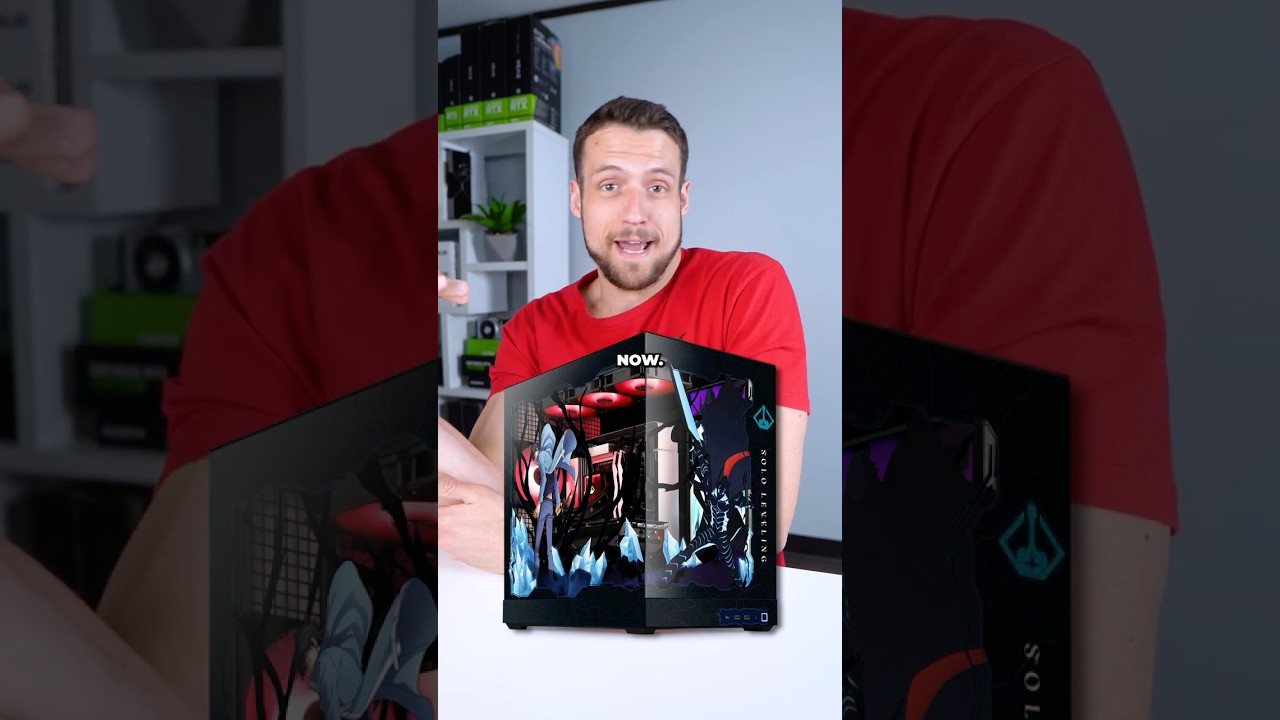

Many apps automatically start up when you turn on your PC, which slows it down. This simple trick shows you how to stop those apps from starting.


Under $400 for a MacBook? Sheeshhh 😮💨
Shop all MacBooks at https://www.plug.tech/collections/macbooks



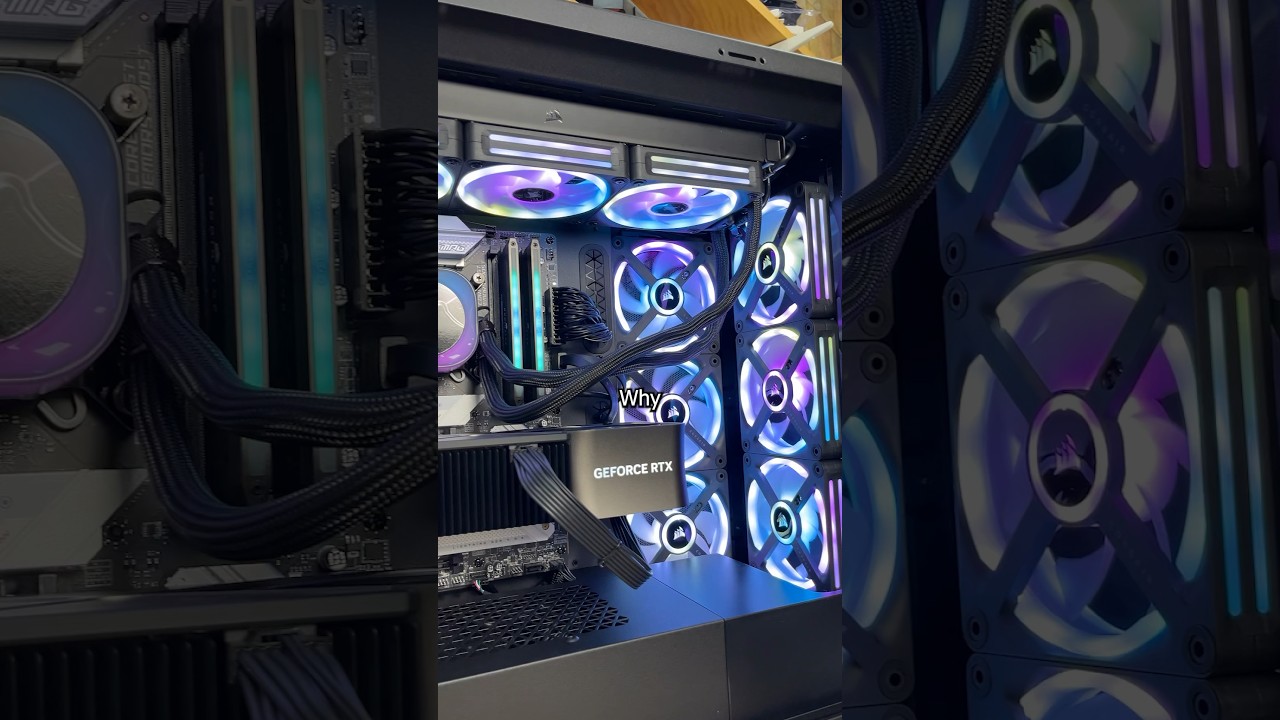
This prebuilt Origin PC has Ubuntu, an RTX 4090 and an i9-14900K with 64GB DDR5 but it’s NOT being used for gaming. My customer needs this high tech computer to run Linux to do machine learning to train AI. Whatever that means.

Imagine having your entire desktop computer in your pocket, ready to control from anywhere in the world. I built a tiny, hardware-level remote access device using a *$15 Raspberry Pi Zero 2 W.* Combined with *PiKVM and Tailscale,* this setup gives me complete control over my computer, letting me access my desktop, apps, and anything else on my computer directly from my phone or laptop, *ANYWHERE I go.*
## 🛠️ Everything You'll Need:
Raspberry Pi Zero 2 W: https://amzn.to/3PEggcG
Micro-SD Card: https://amzn.to/489YPa5
HDMI to CSI Bridge: https://amzn.to/4tWY10O
Ribbon Cable: https://amzn.to/4dSzeGv
0.96" I2C OLED Display: https://amzn.to/4c5L9y5
Micro-USB Cable: https://amzn.to/41DjJuC
HDMI Cable: https://amzn.to/419d6Qx
3D Printed Case Files: https://www.printables.com/mod....el/1667517-pikvm-pi-
#shorts #tech #raspberrypi #pikvm #tailscale #remotework #workfromhome #lifehacks #gadgets #pc #diy #productivity #selfhosting #homelab #remoteaccess #enriqueneyra
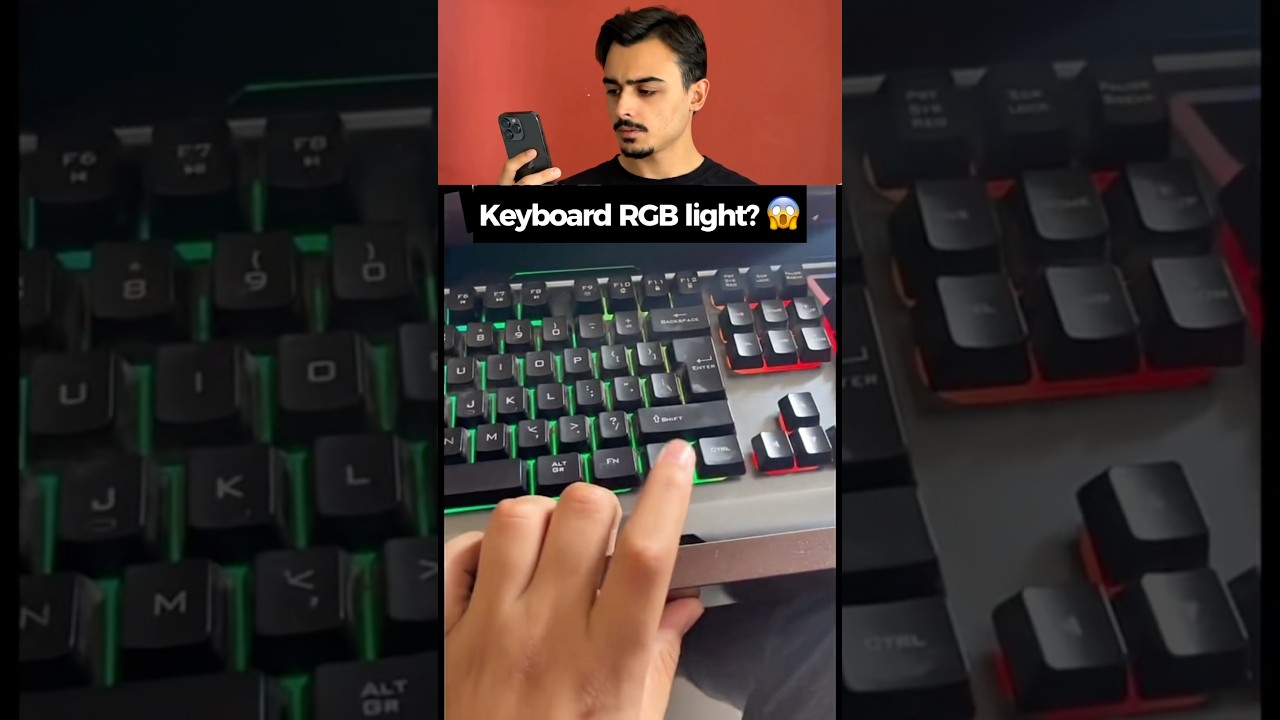
Did you know your keyboard might have a hidden RGB lighting feature? 🤯 In this quick test, we try out a secret key combination to see if it turns an ordinary keyboard into a colorful light show! It worked perfectly on the desktop keyboard, but things didn't go quite as planned when we tried it on the laptop... 😅
Try this hidden combo on your own keyboard and let me know in the comments if it works for you! 👇 What kind of keyboard are you using?
Don't forget to subscribe and like the video for more tech experiments and life hacks! 🚀🔥
@SafakNovruz
#shorts #lifehacks #experiment #tech #viral #trending #keyboard #rgb #gaming #technology #hack #diy #tricks #pcgaming #techhacks #gamingsetup #keyboardasmr #hiddensecrets #pc

Learn more about Computer Science, Math, and AI with Brilliant! First 30 Days are free + 20% off an annual subscription when you use our link: https://brilliant.org/WackyScience/
Oh yeah also I have Instagram now: https://www.instagram.com/wacky.science?igsh=MWUxYXA0NzE4cXpkNQ%3D%3D&utm_source=qr
How do Computers even work? Let's learn (pretty much) all of Computer Science in about 15 minutes with memes and bouncy music. At least the stuff worth remembering if you want to get into programming.
Of course this is not ALL of Computer Science, but I tried to condense a broad spectrum of topics as fast as possible, which could be a good revision for some, or an introduction for others :)
Timestamps:
00:00 Intro
00:30 Binary
00:47 Hexadecimal
01:09 Logic Gates
01:20 Boolean Algebra
01:28 ASCII
01:46 Operating System Kernel
01:56 Machine Code
02:15 RAM
02:25 Fetch-Execute Cycle
02:38 CPU
03:18 Shell
03:25 Programming Languages
03:35 Source Code to Machine Code
03:51 Variables & Data Types
04:44 Pointers
05:01 Memory Management
05:45 Arrays
06:16 Linked Lists
06:38 Stacks & Queues
07:02 Hash Maps
07:30 Graphs
08:07 Trees
08:39 Functions
09:03 Booleans, Conditionals, Loops
09:40 Recursion
10:09 Memoization
10:21 Time Complexity & Big O
10:57 Algorithms
11:15 Programming Paradigms
11:30 Object Oriented Programming OOP
12:12 Machine Learning
12:52 Internet
13:12 Internet Protocol
13:31 World Wide Web
13:47 HTTP
13:57 HTML, CSS, JavaScript
14:15 HTTP Codes
14:28 HTTP Methods
14:35 APIs
14:44 Relational Databases
15:03 SQL
15:27 SQL Injection Attacks
15:51 Brilliant
This took forever to make, so if you like it, send it to your friends
Inspired by Fireship: https://www.youtube.com/@Fireship