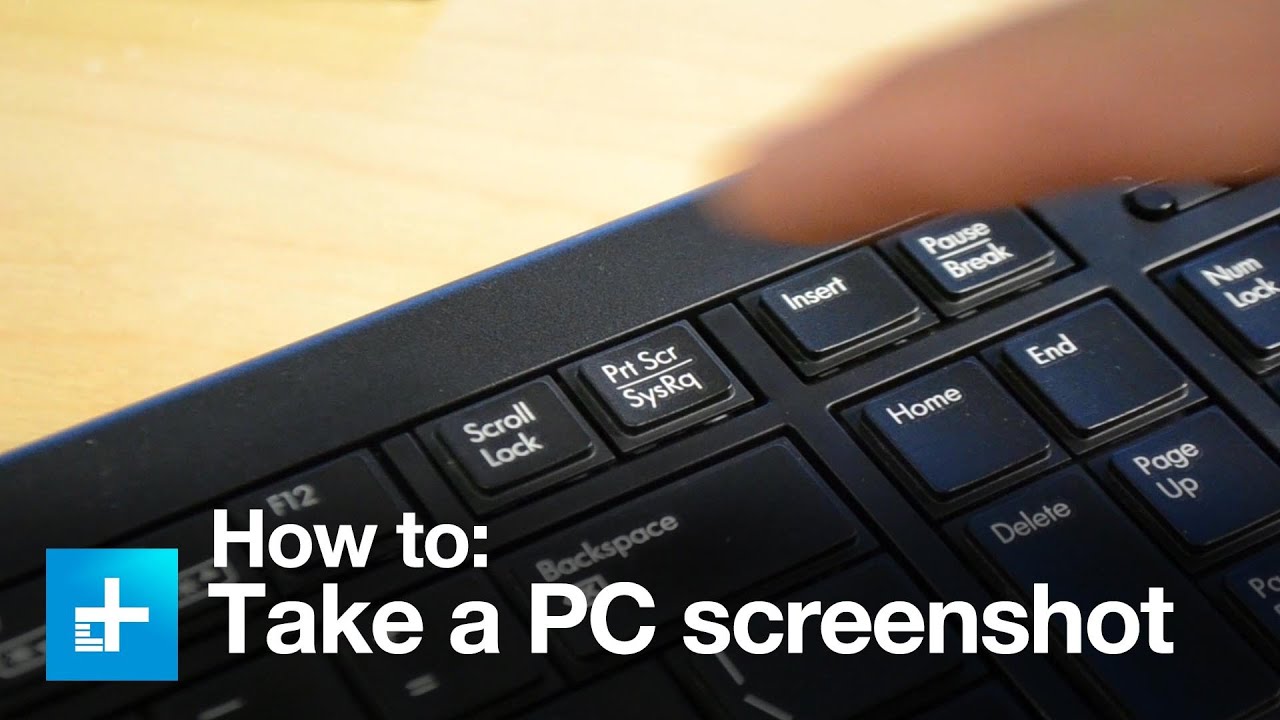
How to Screenshot on PC

Use the Snipping Tool on Windows 11 and Windows 10 to capture your full screen, a window, or just an area of your PC screen.
📚 RESOURCES
- Shortcut key combination: Windows Logo Key + Shift + S
📺 RELATED VIDEOS
- Playlist with all my videos on Windows: https://youtube.com/playlist?l....ist=PLlKpQrBME6xJJOa
- Playlist with all my quick tips: https://youtube.com/playlist?l....ist=PLlKpQrBME6xL5J5
📩 NEWSLETTER
- Get the latest high-quality tutorial and tips and tricks videos emailed to your inbox each week: https://kevinstratvert.com/newsletter/
🔽 CONNECT WITH ME
- Official web site: http://www.kevinstratvert.com
- LinkedIn: https://www.linkedin.com/in/kevinstratvert/
- Discord: https://bit.ly/KevinStratvertDiscord
- Twitter: https://twitter.com/kevstrat
- Facebook: https://www.facebook.com/Kevin....-Stratvert-101912218
- TikTok: https://www.tiktok.com/@kevinstratvert
- Instagram: https://www.instagram.com/kevinstratvert/
🎒 MY COURSES
- Excel for Beginners in under 2 hours: https://kevinstratvert.thinkific.com/
🙏 REQUEST VIDEOS
https://forms.gle/BDrTNUoxheEoMLGt5
🔔 SUBSCRIBE ON YOUTUBE
https://www.youtube.com/user/k....evlers?sub_confirmat
🙌 SUPPORT THE CHANNEL
- Hit the THANKS button in any video!
- Amazon affiliate link: https://amzn.to/3kCP2yz (Purchasing through this link gives me a small commission to support videos on this channel -- the price to you is the same)
#stratvert